
Error messages and solutions
The titles below are the ones shown by the pane.
Messages below the buttons
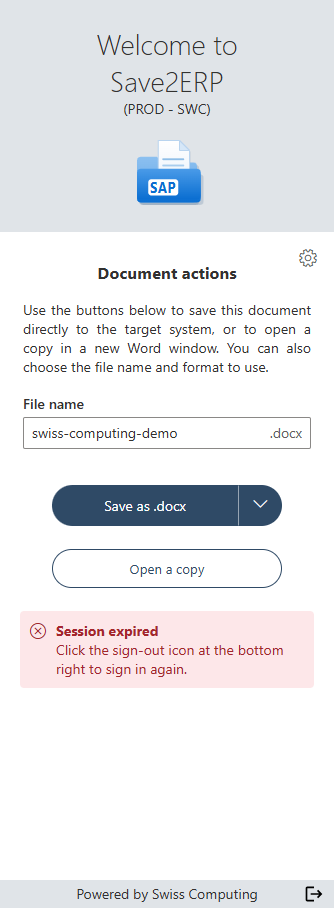
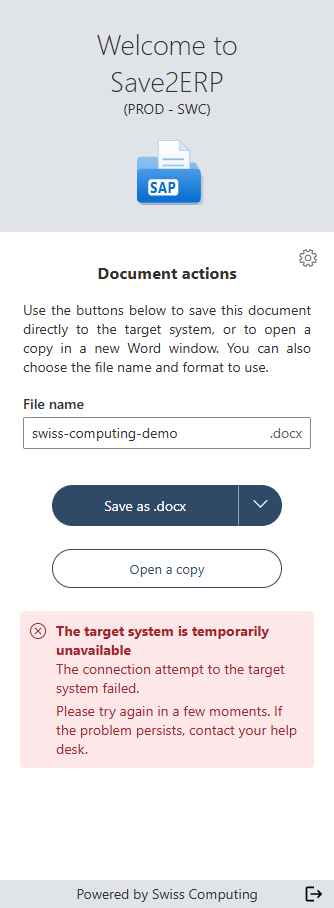
An error while saving or copying is shown in red below the buttons. The title shows what kind of error it is, and the text gives the cause.
| Message | What to do |
|---|---|
| Session expired | Click the sign-out icon at the bottom right of the pane, then sign in again (see Sign in). |
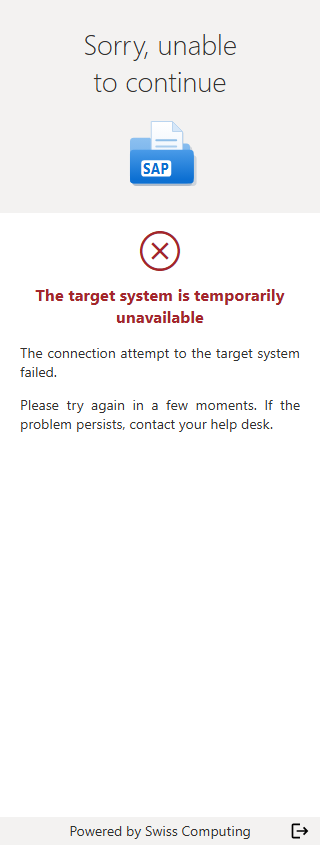
| The target system is temporarily unavailable | The target system is not responding: try again in a few moments. Your session is kept. |
| File name missing | The name field is empty: enter a name, then click the save button again. |
| PDF export failed | Choose the Word format, or ask your IT department to update Word. |
| Document too large | Reduce the size of the document (for example by compressing images), then try again. |
| Target system error | Try again. If the problem persists, contact the helpdesk. |
| Save failed, with a message from the target system (object locked, insufficient permissions…) | The text comes from the target system: fix the cause it gives, or contact the helpdesk. |
Error pages
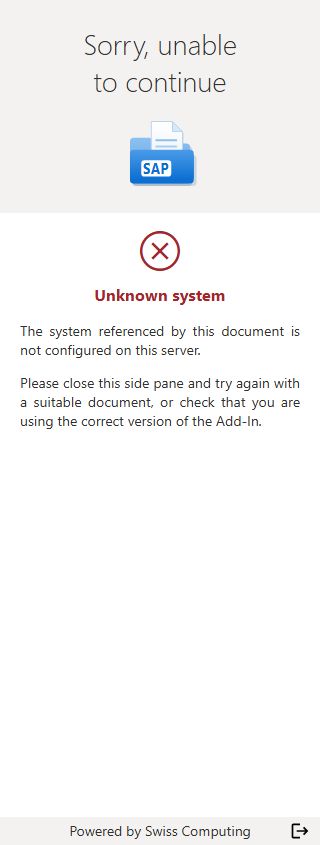
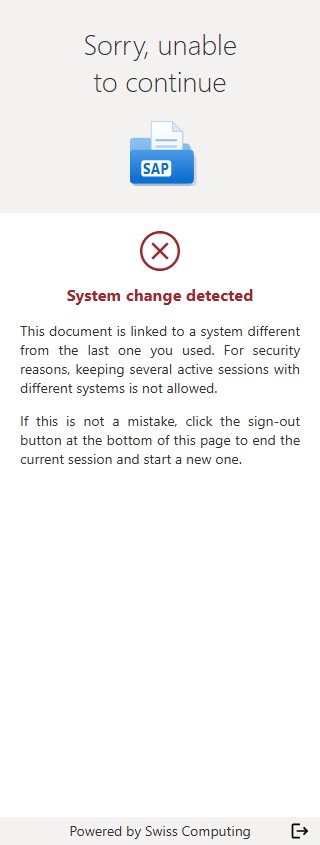
Some errors prevent you from using the pane: it then shows a "Sorry, unable to continue" page that explains the problem and what to do.
Document and system
| Page title | Cause | What to do |
|---|---|---|
| Document not recognized | The document was not generated from the target system (blank document, made by hand…). | Close the pane and open a document generated by the target system. |
| Unknown system | The document's system is not set up for this Save2ERP installation. | Check that the document comes from the right system; otherwise, contact your IT department. |
| System misconfigured | The document's system is set up, but its configuration is incomplete. | Contact your IT department. |
| System change detected | The document comes from a different system than the one of your session (for example a test document while you are signed in to production). For security reasons, only one session is allowed at a time. | If this is intended, click the sign-out icon at the bottom of the page, then sign in again. |
| An error occurred | Word could not read the document's information, or an unexpected error occurred. | Close the pane and try again in a few moments. If the problem persists, contact the helpdesk. |
Sign-in
| Page title | Cause | What to do |
|---|---|---|
| Session expired | Your connection to the target system is no longer valid. | Sign in again. |
| The target system is temporarily unavailable | The target system is not responding. | Try again in a few moments (close and reopen the pane). If the problem persists, contact the helpdesk. |
| Sign-in failed | The connection to the target system did not succeed. | Try again. If the problem persists, contact the helpdesk. |
| Cookies blocked | In Word for the web, your browser blocks the add-in's cookies. | Allow third-party cookies for this site in your browser, or use the Word desktop app. If this setting is enforced by your company, contact your IT department. |
License and Microsoft account
| Page title | Cause | What to do |
|---|---|---|
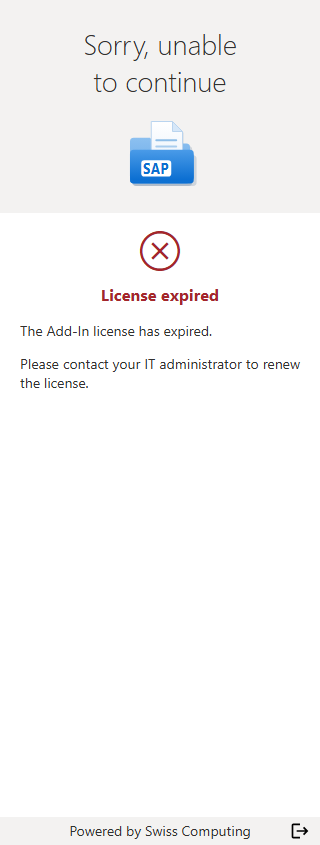
| License missing, Invalid license or License expired | Your company's Save2ERP license is not installed, is not valid or has expired. | Contact your IT department. |
| Maximum number of users reached | All of your company's licenses are already assigned. | Contact your IT department: they can free up a license or order more. |
| Organization not covered | You are signed in to Word with an account that does not belong to the company covered by the license (personal account, another company…). | Sign in to Word with your work account. |
| Identity verification failed or Identity rejected | Save2ERP could not verify your Microsoft account. | Check that you are signed in to Word with your work account and that Word is up to date, then close and reopen the pane. If the problem persists, contact your IT department. |