
Understanding the pane
Pane colors
The color of the pane shows the environment of the target system in which the document will be saved, to avoid any confusion between a test system and production. The environment and the system are also shown below the title, for example "(PROD - P01)".
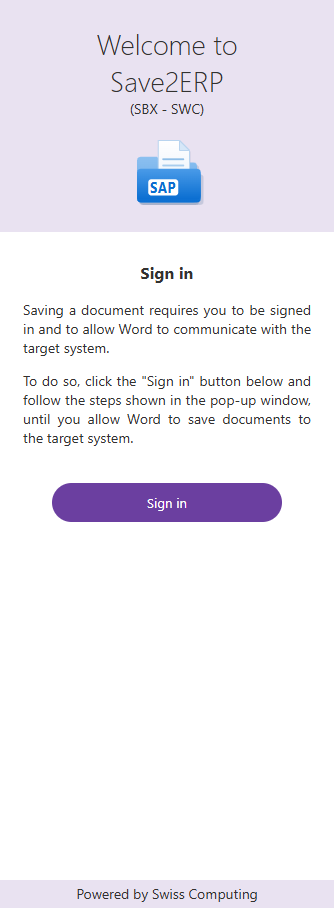
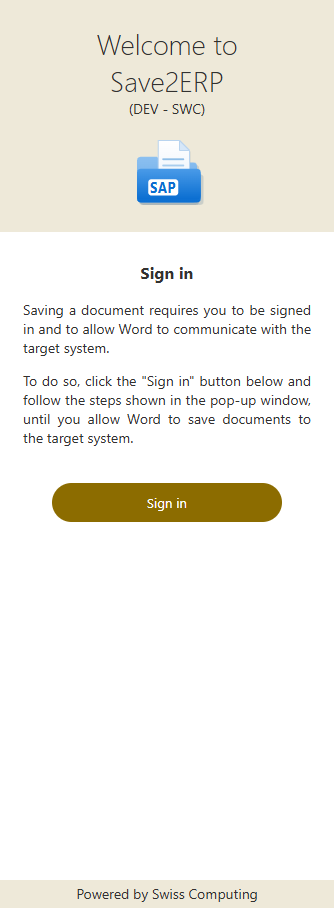
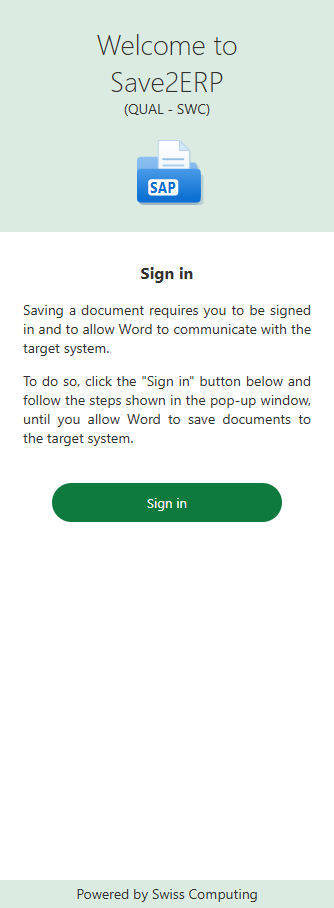
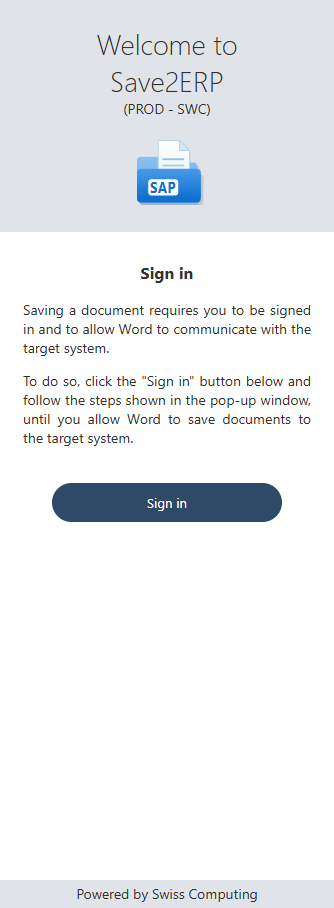
| Environment | Color |
|---|---|
| SBX (sandbox) | purple |
| DEV (development) | ochre |
| QUAL (quality, testing) | green |
| PROD (production) | navy blue, on a blue-gray background |
These are the default colors: your IT department can choose another color for a system.
Check the color before sending a document
A document sent to a test system will not appear in production.
The red "Your license expires" banner
During the 30 days before your company's Save2ERP license ends, a red banner is shown below the pane icon, with the number of days left. Hover over it to see the exact expiry date.
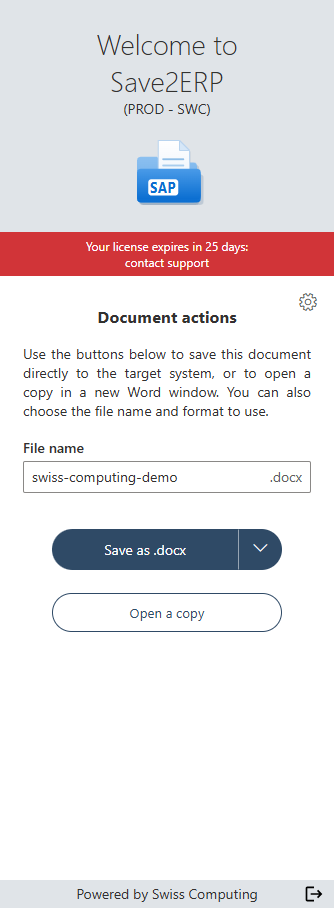
You can keep working normally until that date. Let your support team or IT department know, so that the license is renewed in time: after the expiry date, saving will no longer work.