
A file with the same name already exists
When you click the save button, the pane first checks whether the object already contains a file with the same name. If so, the pane turns orange and shows Duplicate detected, with the name of the file. If the target system provides them, it also shows the file's version, and the date and author of its last change.
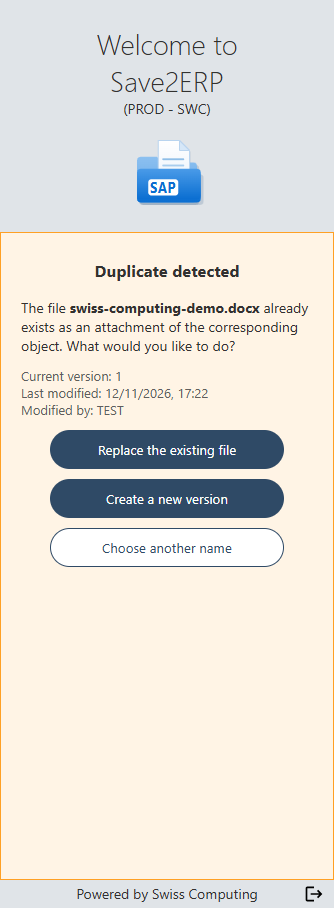
Depending on what the target system allows for this object, you can:
| Button | Effect |
|---|---|
| "Replace the existing file" | The existing file is replaced with the current version of your document. |
| "Create a new version" | The current version of your document is added as a new version of the existing file. |
| "Choose another name" | Always available. You go back to the save page, with the name selected: change it, then click the save button again. |
If the target system allows neither replacing nor a new version for this object, only "Choose another name" is offered.
Stop being asked
The "If a duplicate exists" option lets you replace the file or create a new version automatically, when the target system allows it: see Options and document copy.