Microsoft Word add-in · Swiss Computing SA
Save2ERP
Microsoft Word add-in · Swiss Computing SA
Save2ERP
Save2ERP is a Word add-in that shows a side pane on the right of your documents created from SAP: in one click, the document you are writing is attached to its original SAP object (quote, order, customer, file…). A simple solution to write all your correspondence in Word, without re-typing or manually importing the final document into SAP, even as PDF.
From CHF 5 per user per month
(i.e. EUR 6 · minimum 20 users, no minimum commitment period)
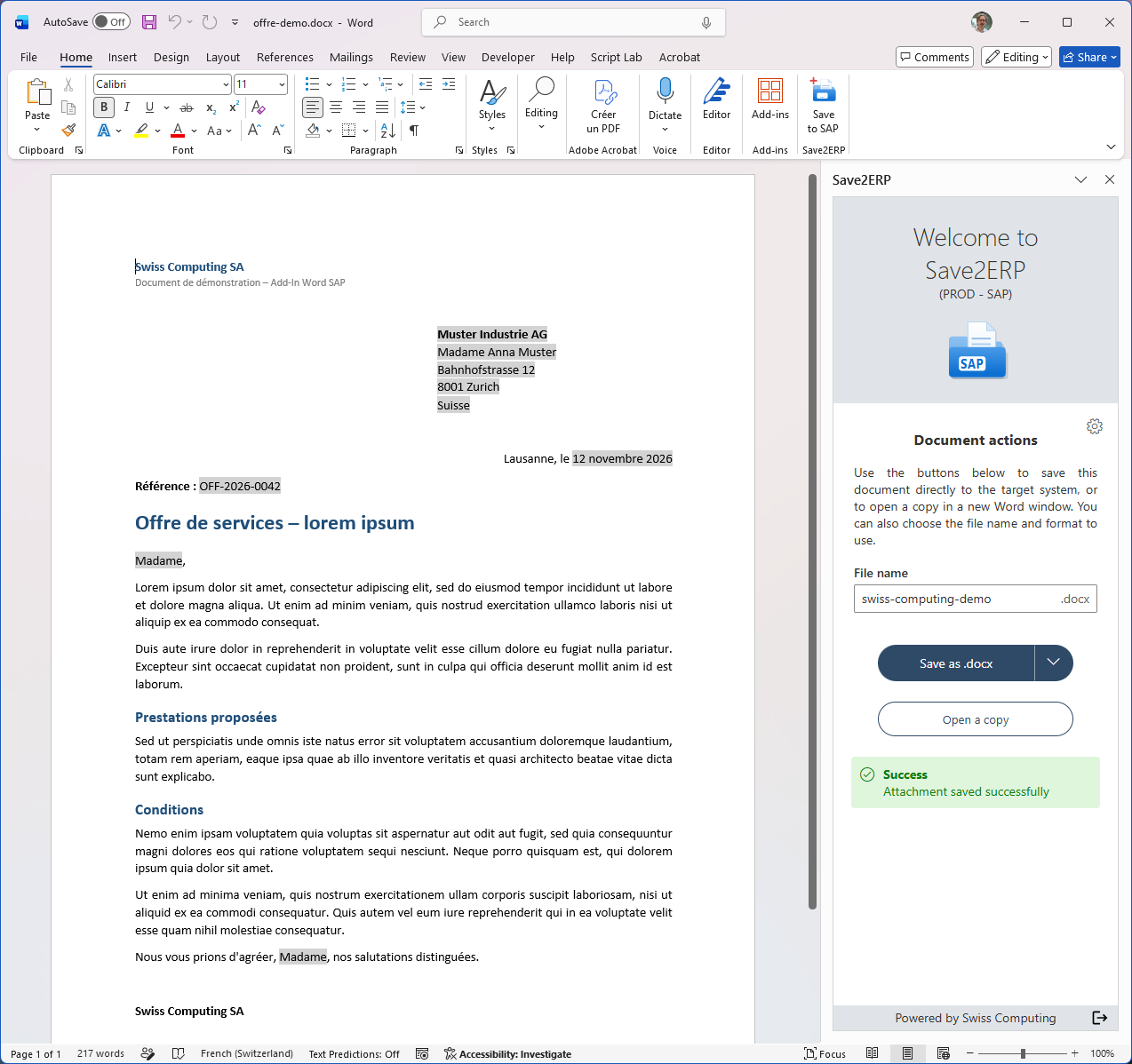
Writing a document for a customer is today a series of manual steps, and as many opportunities to make mistakes.
Outdated template, typing errors, document attached to the wrong object, or never attached…
The document knows which SAP system and which object it belongs to: it always goes back to the right place.
Save2ERP is more than a Word add-in: we take care of the whole chain, so that your teams have nothing to develop.
We deliver the SAP-side service that receives the documents and attaches them to the objects. Your SAP system is ready to work with the add-in, with no development on your side.
We carry out the developments needed for your templates (quotes, contracts, letters…) to carry the reference of the SAP object and of the original system, and we provide you with examples of how to update the dynamic content.
Save2ERP is distributed to your users from the Microsoft 365 admin center. Nothing to install on the computers, and updates are seamless.
The add-in server is installed in your own infrastructure, as a Docker container or as a web application. Your documents do not go through any third-party system.
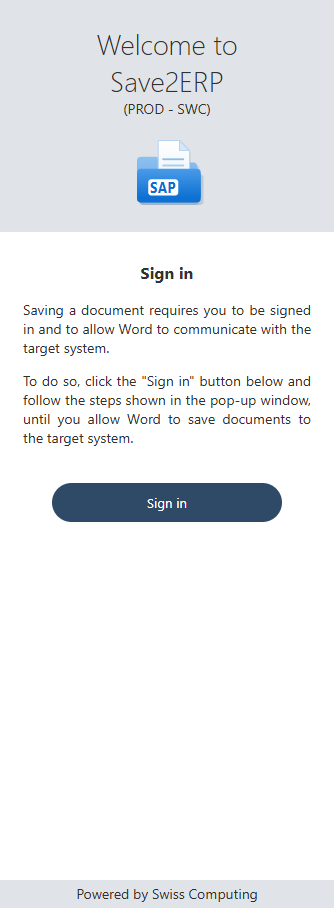
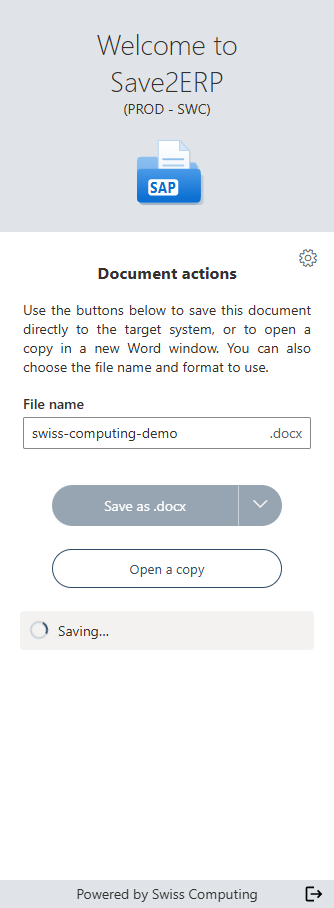
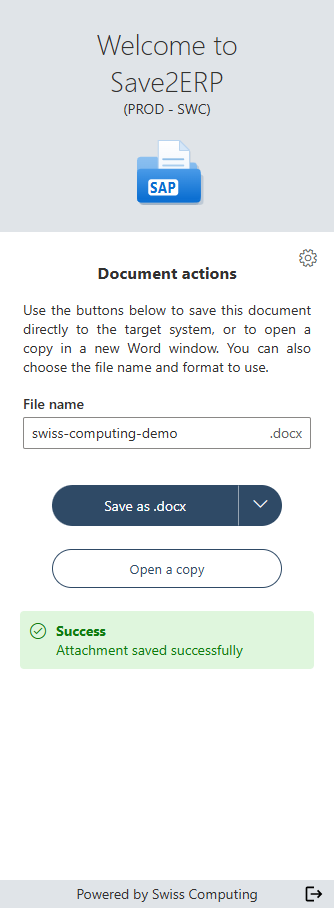
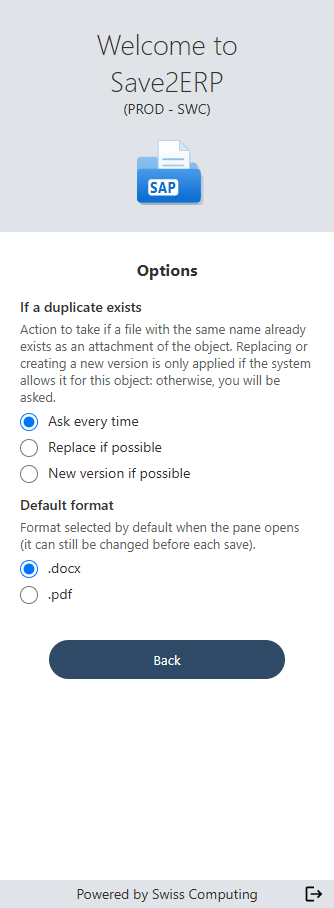
Each SAP environment has its own color, and the target system is set by the document itself: a document generated in production cannot be sent to a test system by mistake.
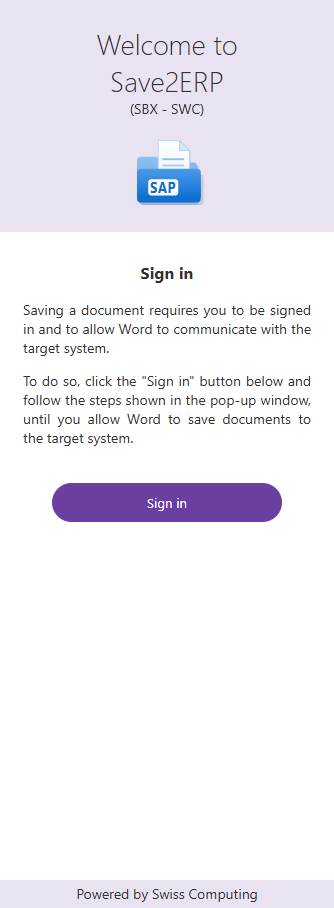
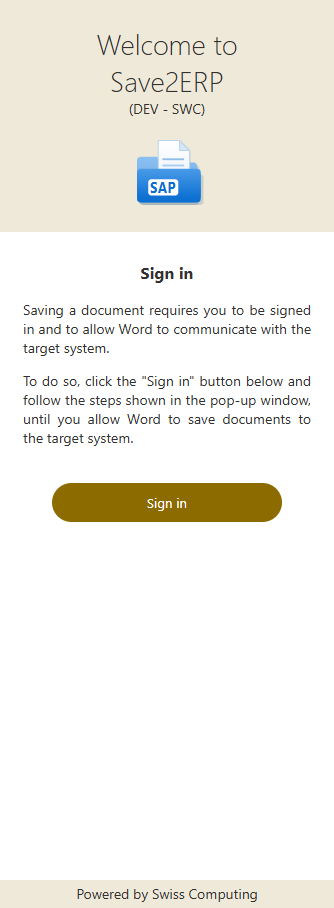
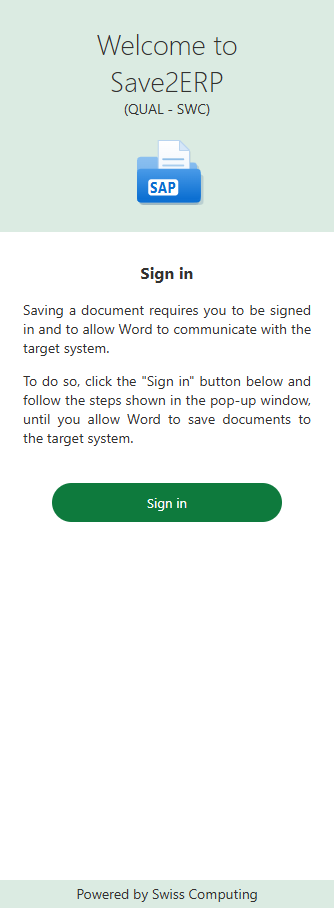
Each user signs in with their own SAP account, through OAuth 2.0. No password goes through the add-in, and each send respects their SAP authorizations.
The sign-in token is encrypted and stays on the server. All communications use the secure https protocol.
Try the free demo in a few minutes, connected to a mock SAP system, or contact us for a presentation on your system.